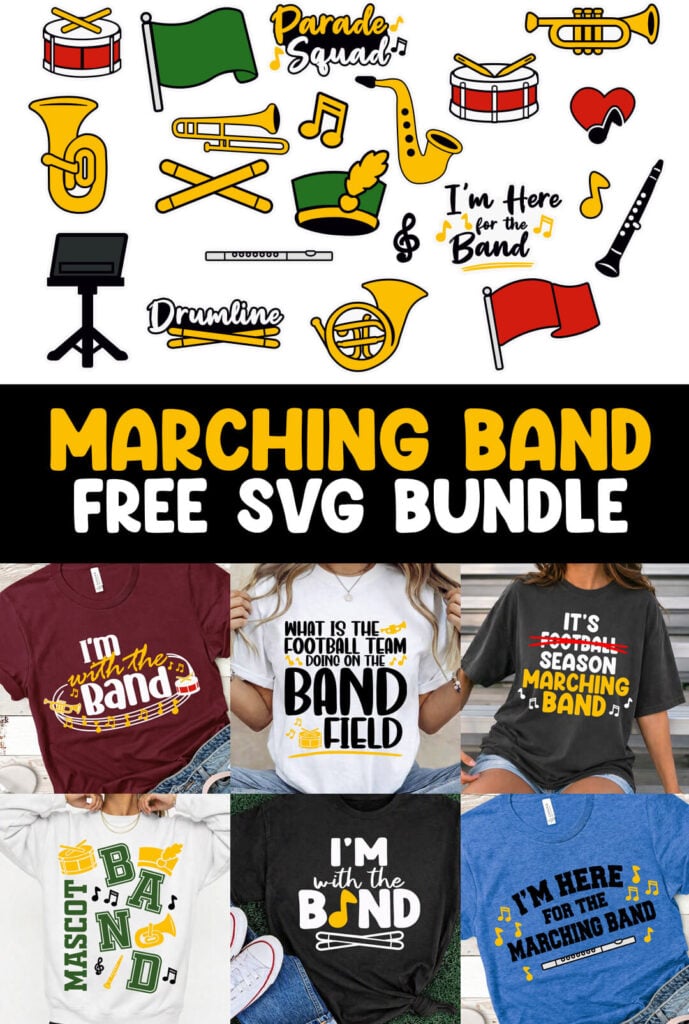
Marching Band SVG Bundle
If you love the sound of brass, the rhythm of drums, and the energy of band season, then this Marching Band SVG Bundle hits all the right notes! Designed for Cricut and Silhouette users, this bundle has 28 different designs that you can use for making stickers, decals, shirts and more.
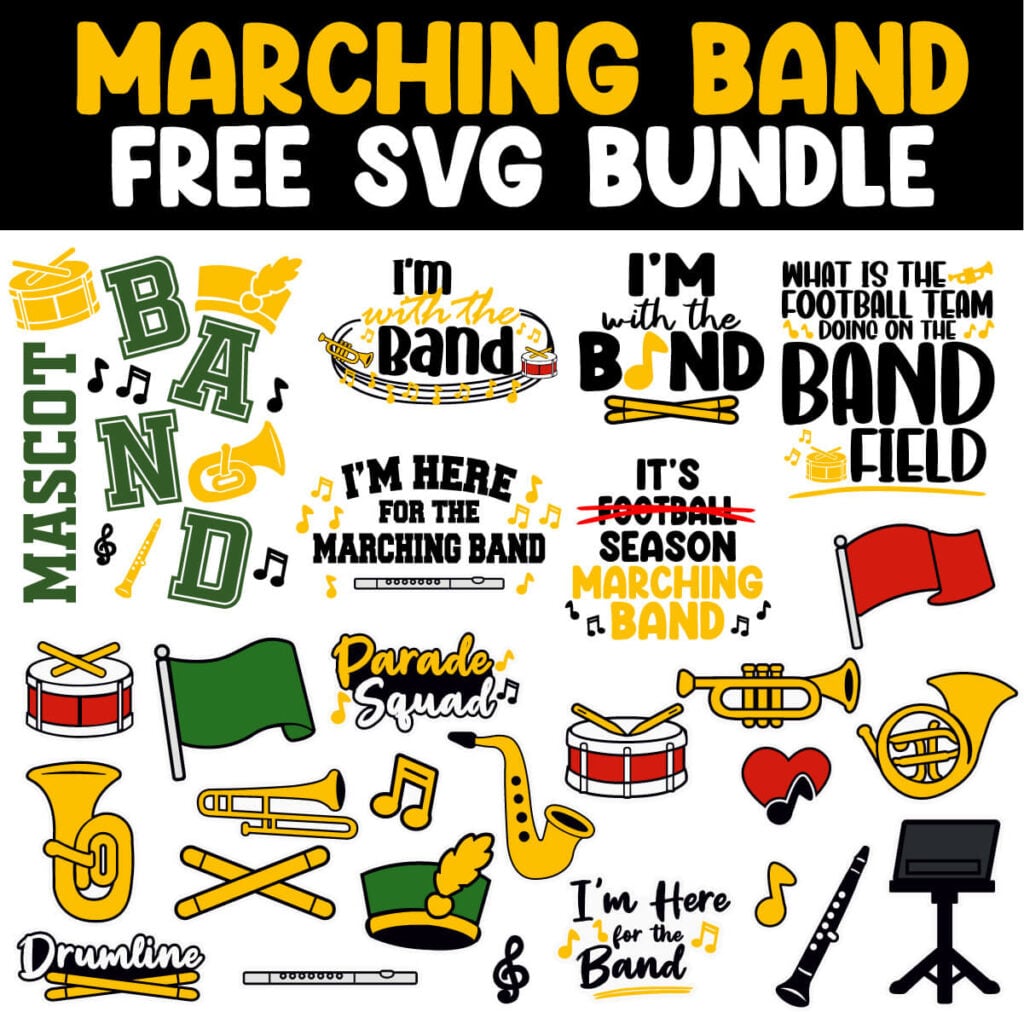
These marching band SVG files are all layered, high quality files so you can edit and combine files to make all sorts of designs. In this blog post, I’ll walk you through some tips for editing so that you can customize your crafts just the way you want to.
Marching Band Stickers
Part of this marching band SVG bundle includes 21 individual designs that are great for making stickers, decals or adding to the shirt designs for more personal customization.

These designs are layered so that you can change the colors in the design for more school spirit. They also already have an outline so no need to add an offset. Just flatten each design individually and they’re ready to print then cut!
My favorite sticker materials are: this matte white printable sticker paper with a holographic sheet on top.
First time making stickers? Check out my step-by-step sticker making tutorial to show you everything you need to know. For my absolute favorite way of making stickers, check out the video below to learn how you can turn these marching band designs into holographic stickers.

Marching Band Shirt Designs
This Marching Band Bundle includes 6 ready to go shirt designs so you can easily show your school spirit. Whether you’re crafting for yourself or selling handmade items, these designs will help your projects march to the beat of perfection.
If you need help applying these designs, follow along with my step-by-step tutorial on how to use and layer iron on vinyl. Want a high quality vinyl that lasts? Use this siser iron on vinyl brand.
I’m with the Band (with Instruments) SVG
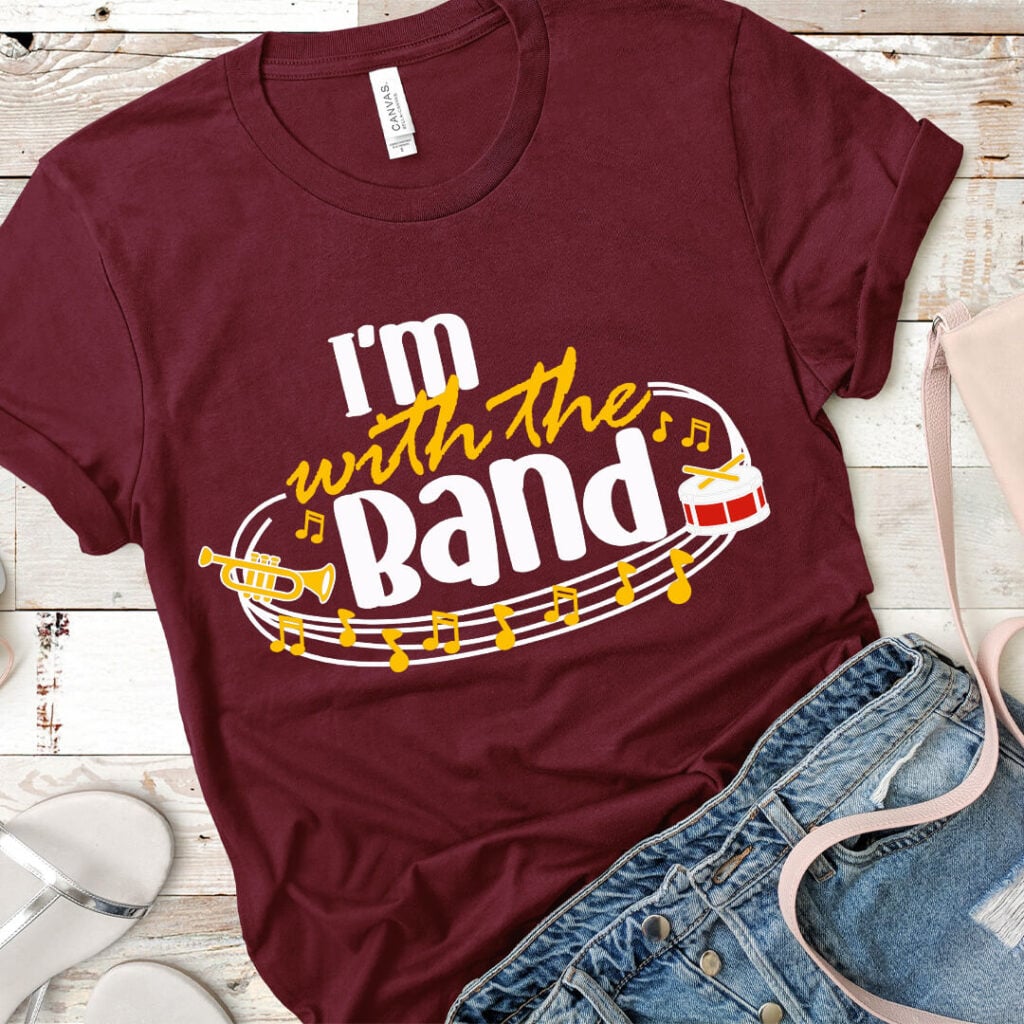
This shirt design is one of the designs that can easily be customized. The instruments can be swapped out for any instrument you want. To do this, delete the layer of the instrument that you want to change and bring in the instrument that you want from the sticker design bundle.
*Important* To make this shirt easy to edit, I did not weld anything together. Before cutting, make sure to weld or unite the layers that you want to cut as one. For this shirt, you will want to weld together the bottom layer of the instruments with the swirls. If keeping the text the same color as this, weld the text with this as well. Then weld together all of the yellow layers if you want those to cut as one.
What is the Football Team Doing on the Band Field SVG

Wish this shirt had a different instrument than a trumpet on it? No problem! Just, delete the trumpet and add your instrument from the sticker design bundle. For this shirt, I’m just using the top layer of the instrument design to create more of a simple silhouette look than a detailed, layered look.
*Important* I kept each item on a different layer so you can easily change the color and swap out the designs. So make sure that you weld together or unite the items that you want to cut in the correct place together.
Band SVG

This band design is a fun one because there’s room to add your mascot. To do this, delete the layer in Cricut Design Space that says “Mascot” and add the name of your Mascot there. To keep the same font, make sure to use the Old Sport 02 Athletic NCV font.
*Important* I kept each item on a different layer so you can easily change the color and swap out the designs. So make sure that you weld together or unite the items that you want to cut in the correct place together.
I’m Here for the Marching Band SVG

Not a flute player? This is another design where you can easily delete the instrument in the design and add your own. Just take the instrument design that you want out of the sticker bundle and replace the flute with it.
*Important* I kept each item on a different layer so you can easily change the color and swap out the designs. So make sure that you weld together or unite the items that you want to cut in the correct place together.
It’s Marching Band Season

There’s not a lot to edit with this shirt design, but you can modify the colors for your school colors. Each item is on a different layer making this super easy to do.
*Important* I kept each item on a different layer so you can easily change the color and swap out the designs. So make sure that you weld together or unite the items that you want to cut in the correct place together.
I’m with the Band (with drum sticks) SVG
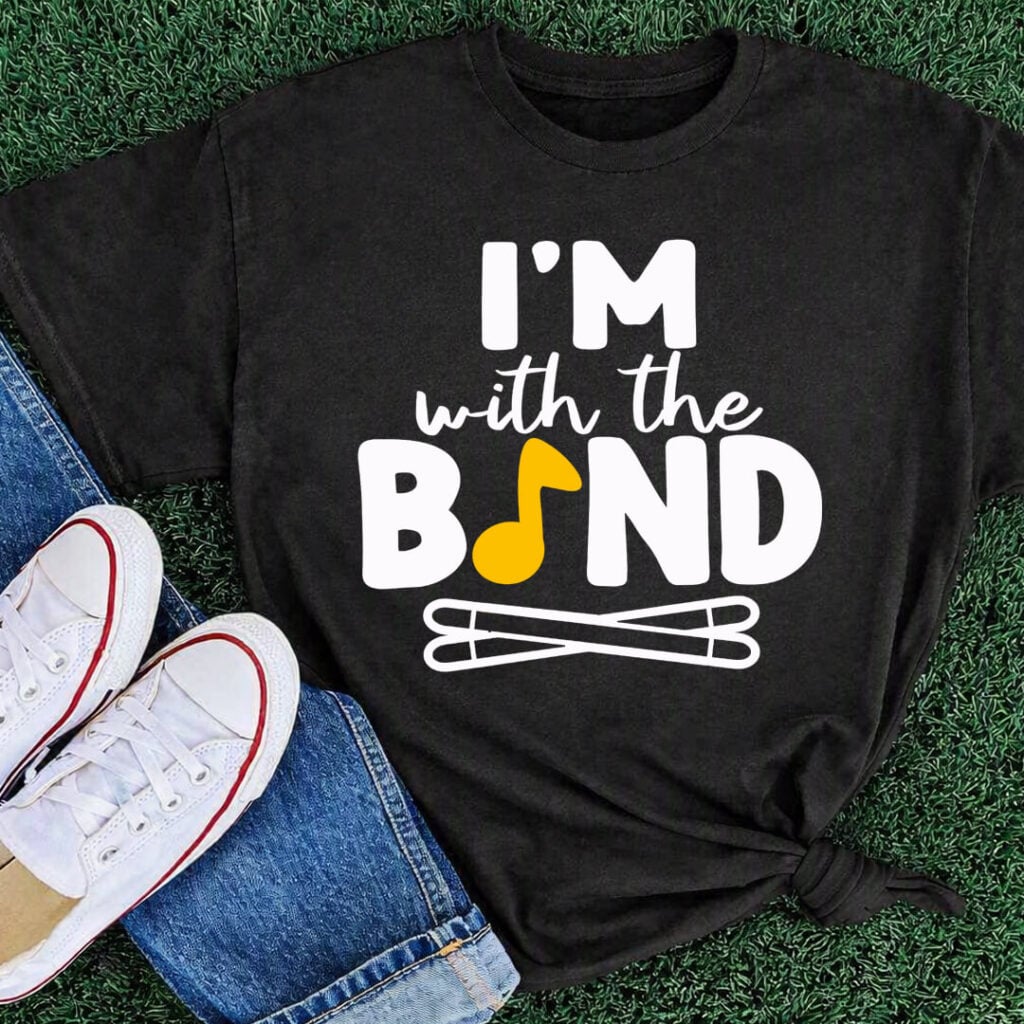
Don’t want the drumsticks? Just delete that layer and add any instrument or design from the sticker files to customize it for your needs. Try slicing layers in the instrument for different outline designs to see what you like.
*Important* I kept each item on a different layer so you can easily change the color and swap out the designs. So make sure that you weld together or unite the items that you want to cut in the correct place together.
Marching Band SVG Bundle Download
Your download will come in a zipped file that includes:
- SVG file (for Cricut, Silhouette, Glowforge)
- DXF file (for Silhouette Basic Edition)
Download The Marching Band SVG Bundle
You can download these free marching band designs from my members only free library (design #3 under Vinyl Crafts or search “Marching Band Bundle SVG”).
Don’t have a password? Unlock my free members library here.
Share the love and easily come back to this tutorial anytime just by saving this on Pinterest… Plus this helps to keep my SVG files and Cricut tutorials free!