

Halloween Gable Treat Box Templates
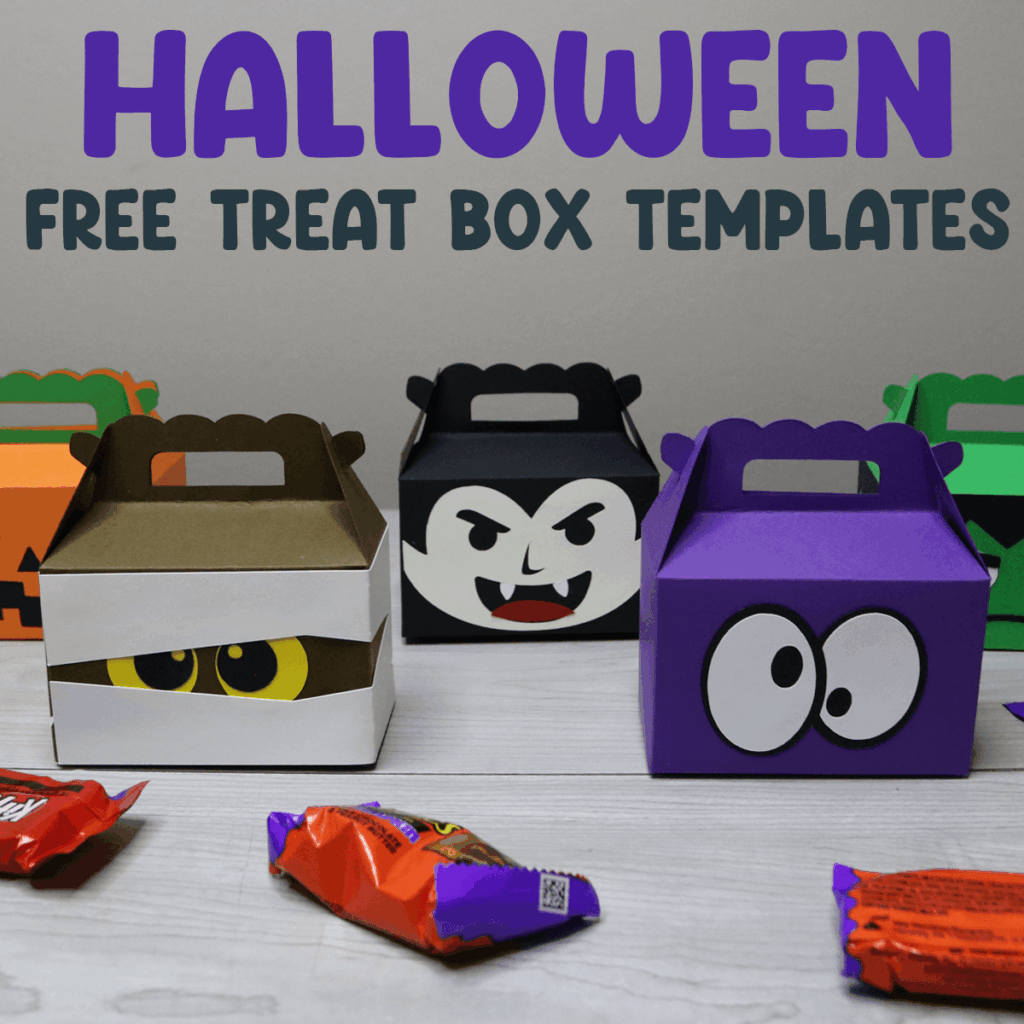
Make mini treat boxes for Halloween with these free Halloween gable box templates.
Halloween is creeping closer, and it’s the perfect time to whip up some frightfully fun treat boxes! Whether you’re hosting a haunted bash, prepping classroom goodies, or just love adding a personal touch to your candy handouts, these free Halloween gable box templates will make your crafting wickedly easy.
Looking for more Halloween crafts? Check out all of my free Halloween SVG files or whip up more boxes for any occasion with these Cricut box templates.
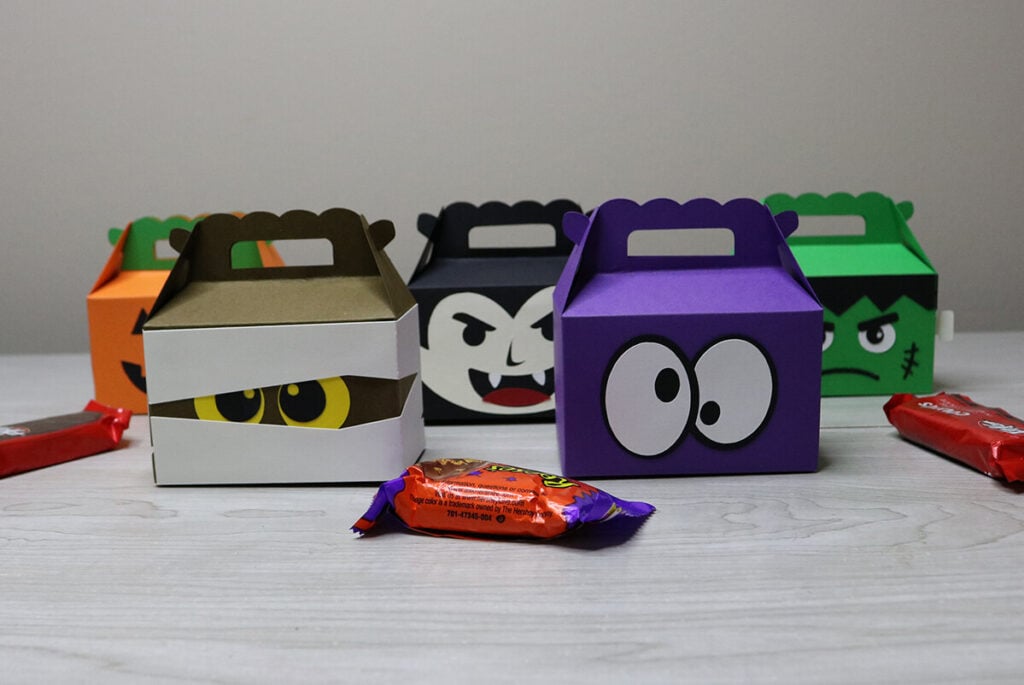
This gable box download, comes with 5 different designs in 2 different sizes:
- Mini Box Template: 3.4″ x 2.1″ x 2″
- Large Box Template: 6.2″ x 3.9″ x 3.6″

Download the Halloween Gable Box Templates
You can download these free Halloween treat box templates from my members only free library (design #26 under Box Templates or search “Halloween Gable Box Templates”).
Don’t have a password? Unlock my free members library by entering your name and email in the form below or click here.
Supplies Needed
- 12×12 medium weight cardstock, this is a great variety pack with all the colors you will need.
- A good craft glue – this Bearly Art craft glue is what I am using.
- Scoring Stylus (which is what I will be using in this tutorial with the Explore) or Scoring Wheel (Maker only). Or you can fold by hand.
- Cricut Maker or Explore Cutting Machine and a cutting mat.
- Halloween Gable Box Templates (available in my free members library design #26 under Box Templates —get the password by filling out the form here.)
Share the love and easily come back to this gable box tutorial anytime just by saving this on Pinterest!

Halloween Gable Box Instructions
Follow along with the tutorial below and make sure to post these in my crafting group here or tag me if you post them on social media. I absolutely love seeing your crafts and can’t wait to see how your ice cream boxes turn out.
Step 1: Upload the Halloween Gable Box Template to Cricut Design Space
Upload the Halloween treat box templates to Cricut Design Space. For help with uploading SVG files, check out my tutorial here.
Click on “Ungroup” to ungroup all of your layers. Then click the layer below and open it, then select the layer with the group of lines and change the operation to score.

Next, select the group (layer with lines and box layer below it) and select “Attach.” Repeat these steps for the other box layer below it as well. Then cut everything out.
Note: There are extra score lines for the Frankenstein and Mummy boxes.

Step 2: Fold Box On Score Lines
Place the box template on your work space. On each of the score lines, fold in except for the handle piece. For the handle, you will fold the opposite way, folding the handle part up. Repeat this for the other box piece as well.

Step 3: Attach the Box Together
Line both box sides of the box up together, both facing the same direction with the front facing down on your workspace. Add glue to the tab piece and use this tab piece to attach the sides together. Make sure to glue the tab piece to the inside of the box and not the outside.
Note: If you are using the mini template, the box is all cut out together, so no need to attach the sides.
Step 4: Glue on Character Form
Glue the character faces and accents to the front of the box. To see how to assemble each character, watch the video tutorial here.
Step 5: Assembling the Box
To assemble the Halloween gable boxes, place the box with the front side facing down. Fold the side with the 2 rectangles on the outside up and then fold one of the sides on top.
Then fold the other side over and bring the last side with the rectangle in the middle through the slot in the bottom of the box.
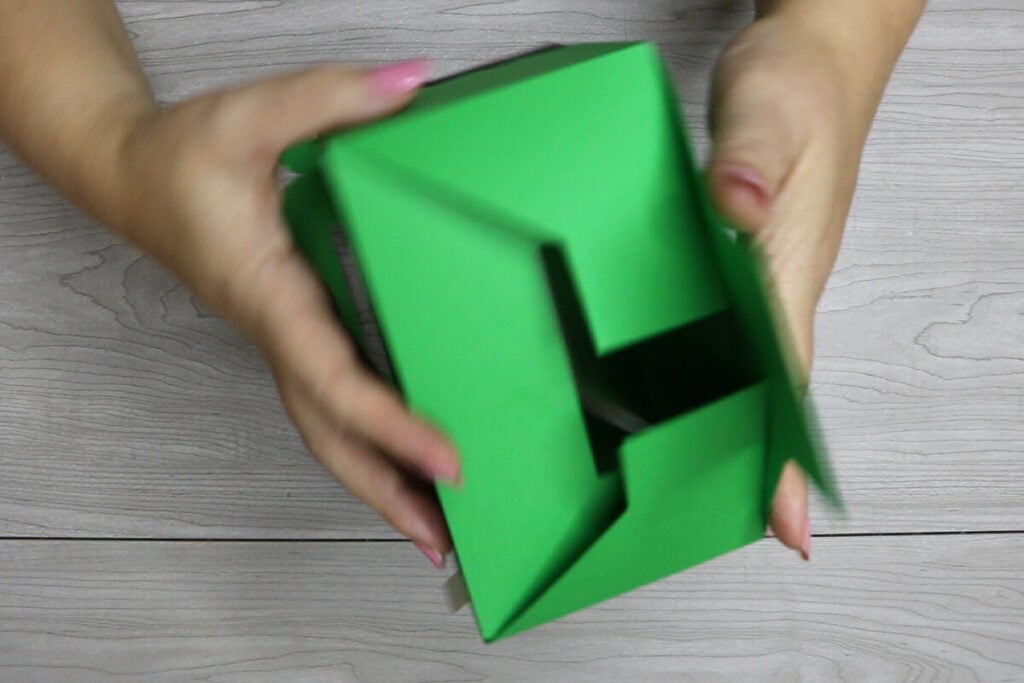
Form into a box shape and use the side tab pieces to hold the box together. Once this dries, just fill it with treats and your boxes are ready to go. Because the bottom isn’t glued, you can easily fold the box flat to store and re-use these cute ice cream favor boxes as much as you like.

Video Tutorial For Halloween Gable Boxes
Watch the step-by-step video tutorial to learn how to make these Halloween Gable Boxes here:

