

Free Printable Reward Stickers for Teachers
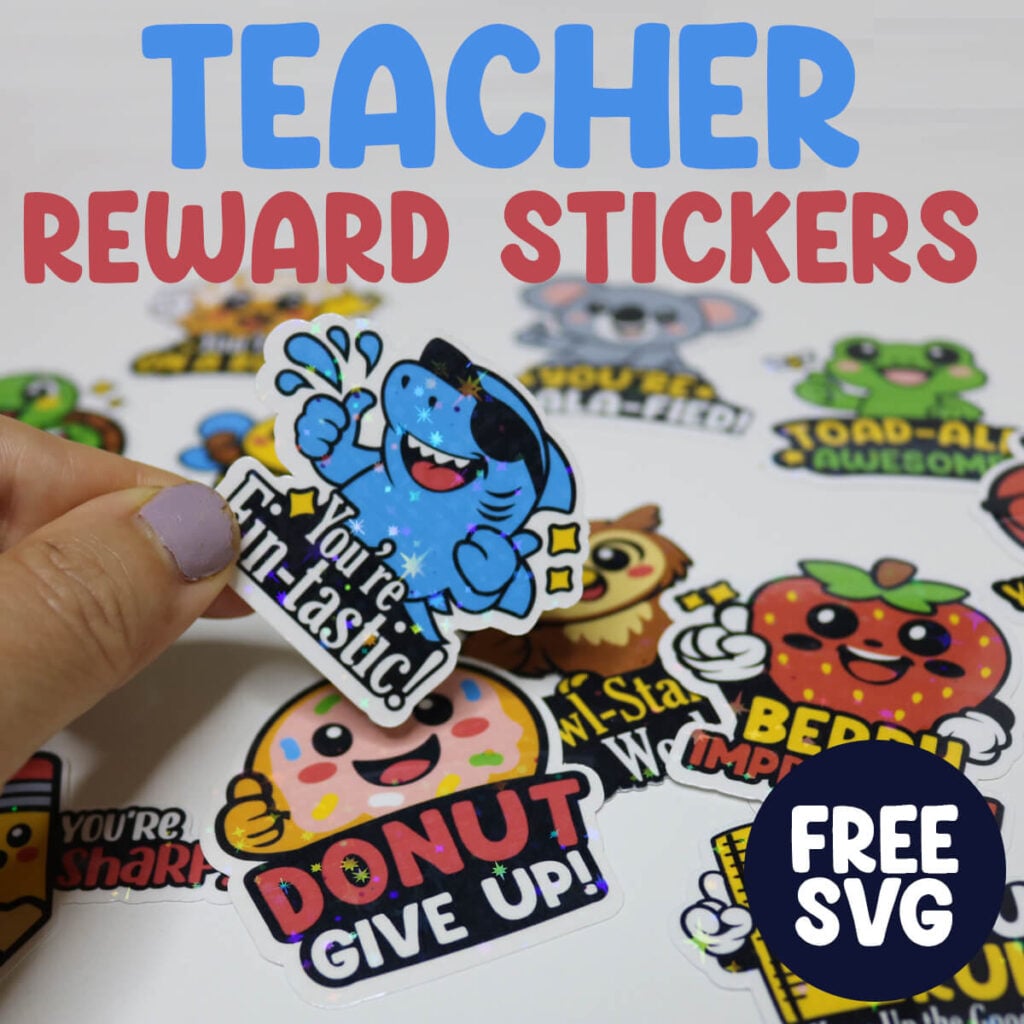
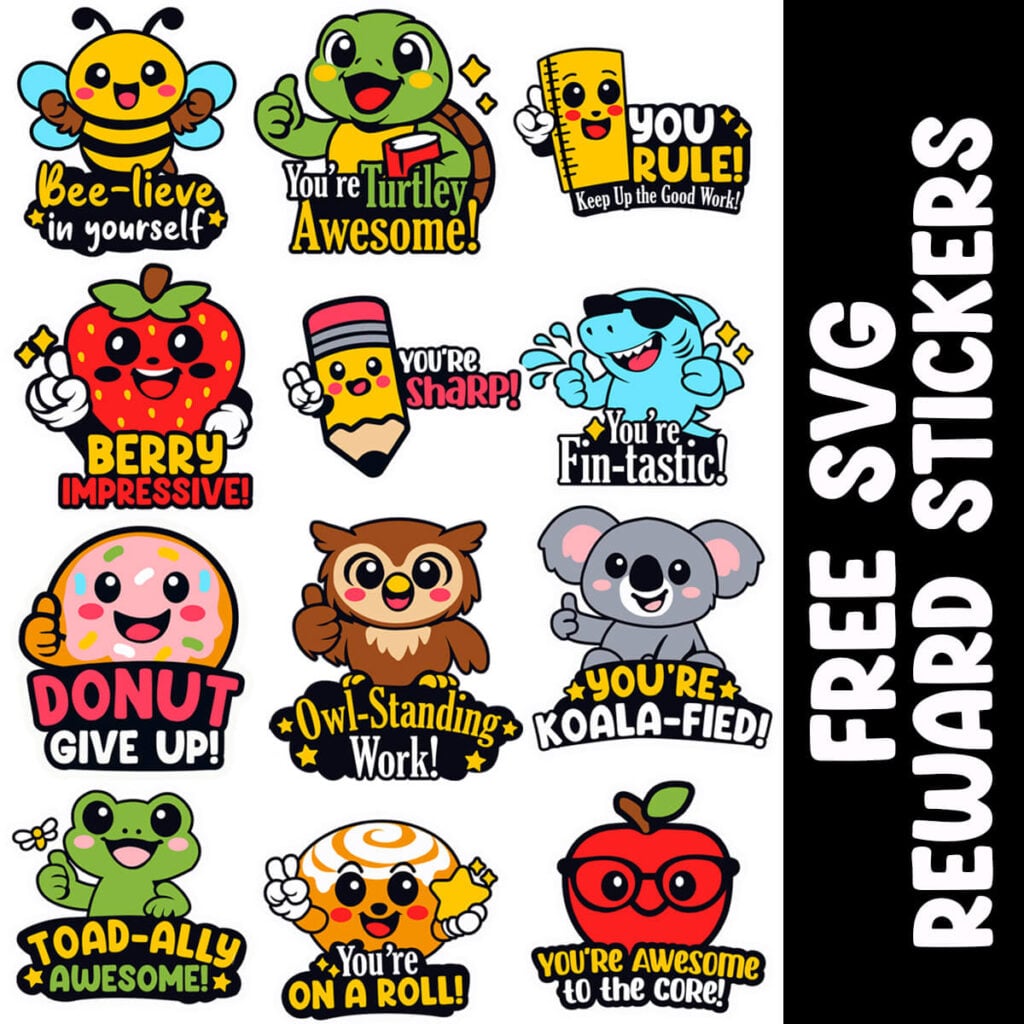
Teachers know that a tiny sticker can spark big smiles. Reward stickers are one of the simplest and most effective ways to motivate students, reinforce positive behavior, and celebrate everyday wins. These free printable reward stickers make it so easy to boost morale without breaking the budget.
This post contains some affiliate links for your convenience. (Which means if you make a purchase after clicking a link I will earn a small commission but it won’t cost you a penny more)! Read my full disclosure policy.
These sticker sheets are designed with teachers in mind—bright, bold, and easy to print on any home or school printer. They’re ideal for:
- Graded papers
- Behavior charts
- Homework folders
- Morning work
- Testing encouragement
- Classroom incentives
- Student goal tracking
Because they’re printable, you can create as many as you need—whenever you need them.
Learn how to make Printable Reward Stickers Using a Cricut
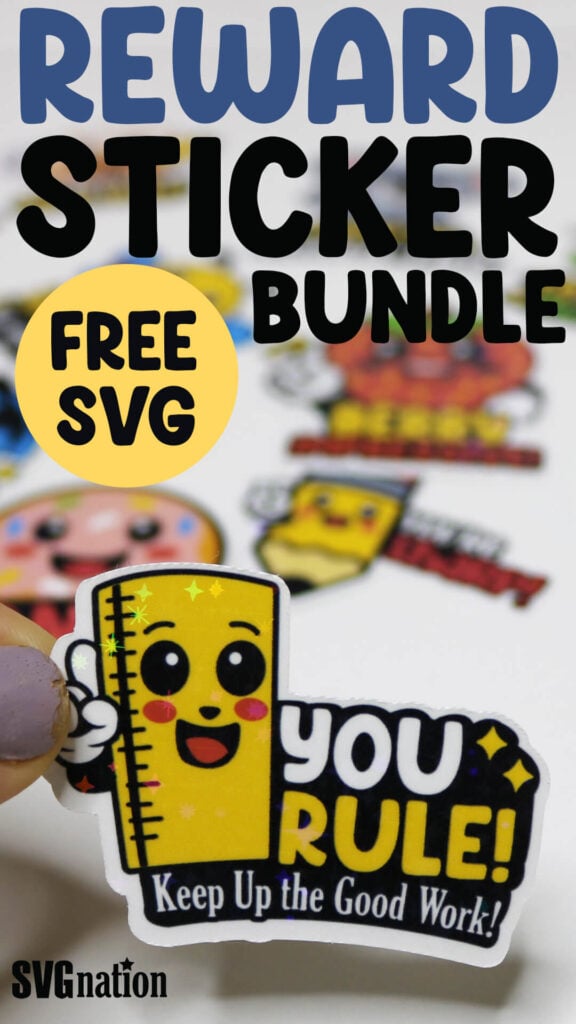
Stickers are quick to make with your Cricut – just print, cut and stick. You can even add a holographic vinyl sheet on top to make your reward stickers sparkle. For more designs, search all of my free sticker SVG files.
To Make Printable Reward Stickers, You Will Need:
- Any good quality inkjet printer
- Matte Sticker Paper (you can also use gloss if you aren’t adding the holographic sheets)
- Transparent Holographic Vinyl Laminate
- Cricut cutting machine – Use this Cricut Comparison Guide to find the right model for you!
Download The Printable Reward Stickers SVG
You can download these free printable Reward Stickers SVG from my members only free library (design #1 under Teacher Cricut Crafts or search “Printable Reward Stickers SVG”).
Don’t have a password? Unlock my free members library here.
Share the love and easily come back to this tutorial anytime just by saving this on Pinterest… Plus this helps to keep my SVG files and Cricut tutorials free!
Step 1: Create a New Project in Cricut Design Space
When you open Cricut Design Space, create a new project, select Blank Canvas and then select Start Designing.
Then upload the printable reward sticker SVG and add them to your Canvas. Select the image and select “Ungroup” to ungroup each of the images.
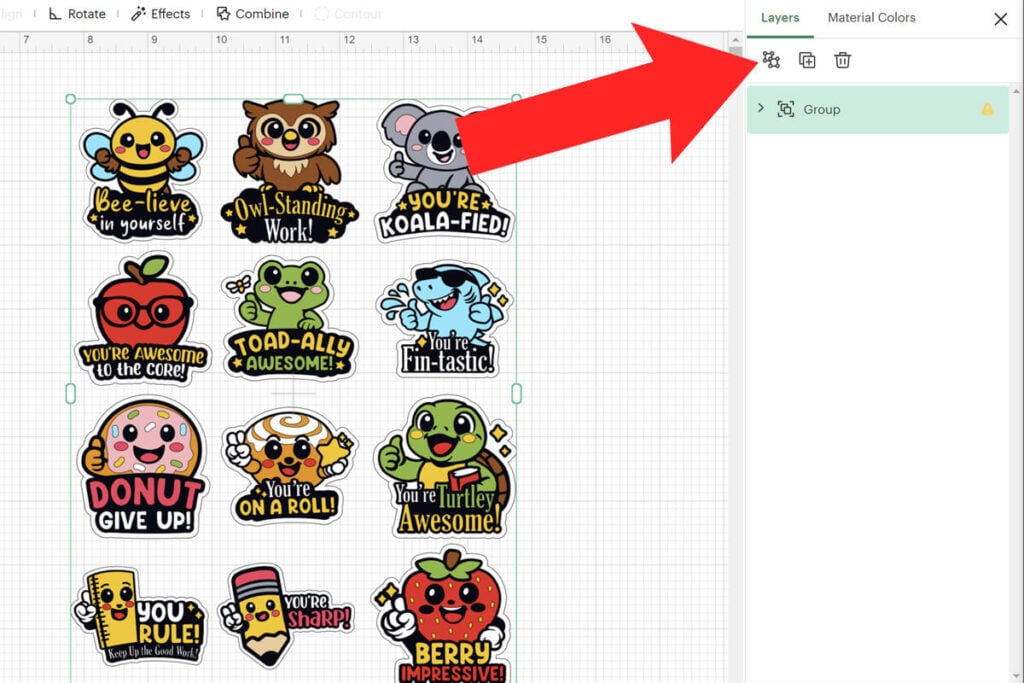
Step 2: Modify the Sticker Designs
If you want to make any changes to the stickers, do this before flattening the images. These are layered SVG files so you can easily:
- Change the colors using the layers panel.
- Resize the sticker images.
- Delete any sticker design that you don’t want to use.
- Add a bigger offset if you prefer a larger offset. You can do this by selecting “Edit” and then “Offset”.
Note: If you keep the stickers just as they are, they will all print on a single sheet of sticker paper.
Step 3: Flatten Each Sticker Design
Before your stickers are ready to print, you much flatten each image individually. To do this, select an image and then select “Flatten”. You will find the flatten tool in the bottom of the layers panel or by clicking on the 3 dots under the image. Make sure to do this step for EACH sticker design, individually.
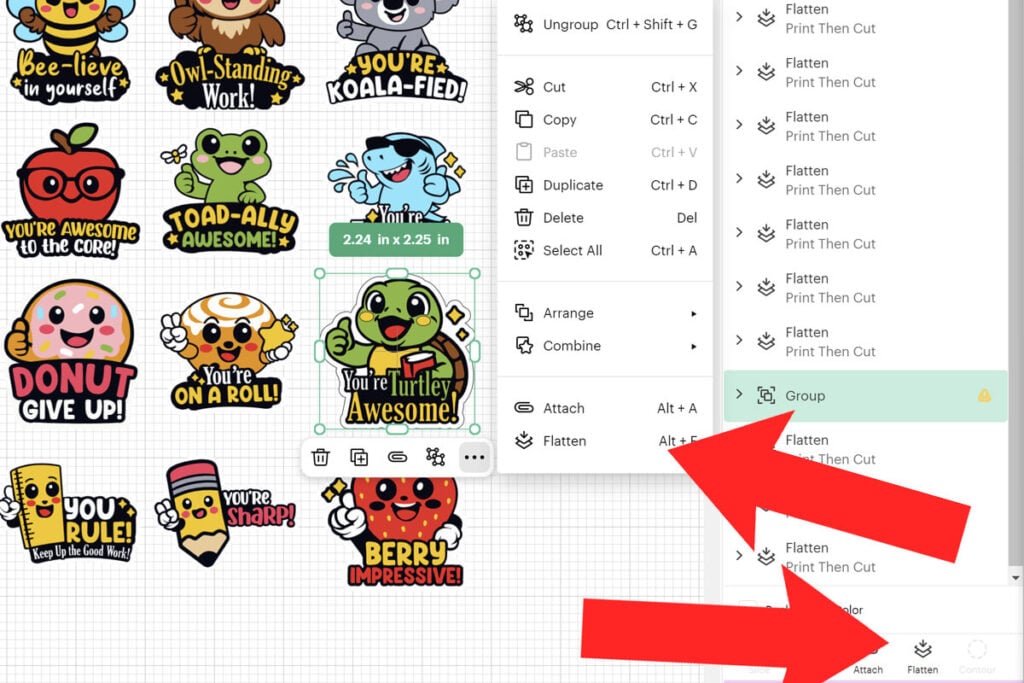
Step 4: Print the Reward Stickers and Add Holographic Vinyl (if using)
To print the stickers, select “Make”. Then use the print prompt to print the page of stickers.
If you want to make the stickers holographic, then apply the holographic vinyl to the top of the stickers. But make sure that you trim the vinyl down first so the vinyl covers all the stickers but does not cover the sensor guides printed on your stickers. If any vinyl is covering even a small part of the corner sensors, your Cricut will not be able to sense this to cut.
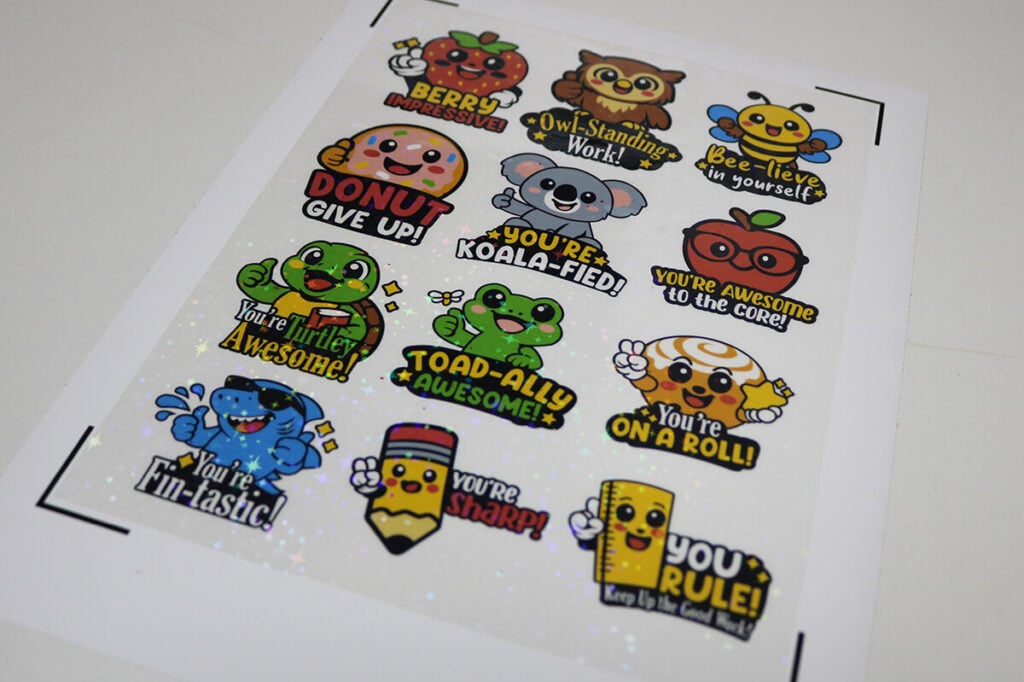
Step 6: Cut the Reward Stickers with a Cricut
Add the sticker paper to your cutting mat and have your Cricut cut the stickers out. Make sure that you have the same sticker sheet selected in Cricut Design Space that is on your cutting mat.
For Kiss Cut Stickers, use these settings:
- Sticker Paper with Laminate (default pressure) when using just the sticker paper.
- Glitter Iron on Vinyl (default pressure) when using the sticker paper with the holographic vinyl on top.
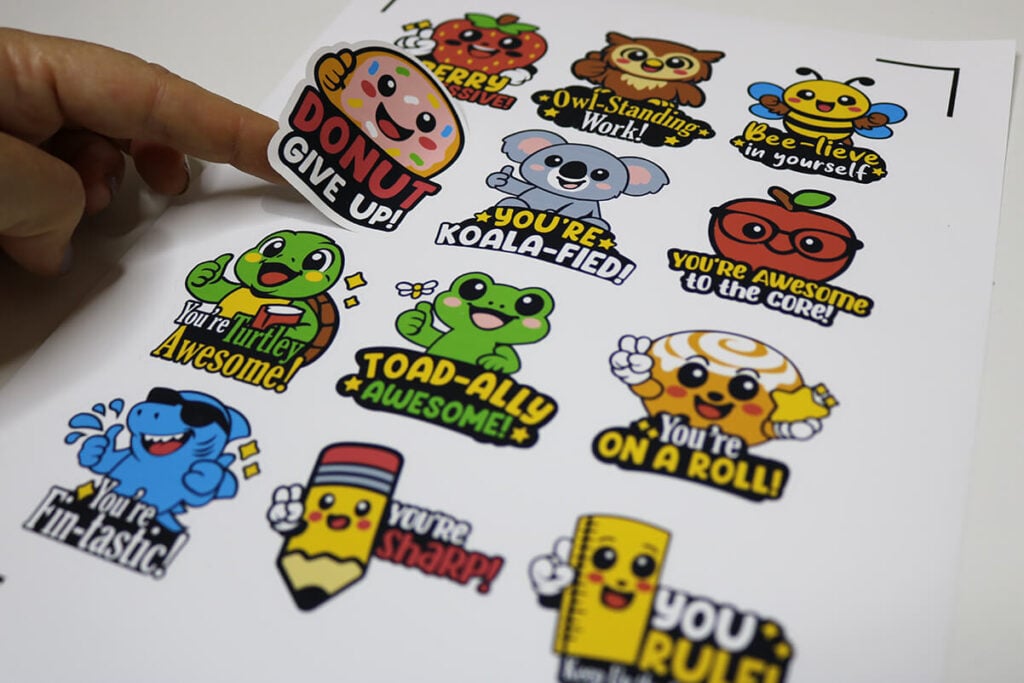
For Die Cut Stickers, use these settings:
- Glitter Iron on Vinyl (default pressure) when using just the sticker paper.
- Glitter Cardstock (default pressure) when using the sticker paper with the holographic vinyl on top.
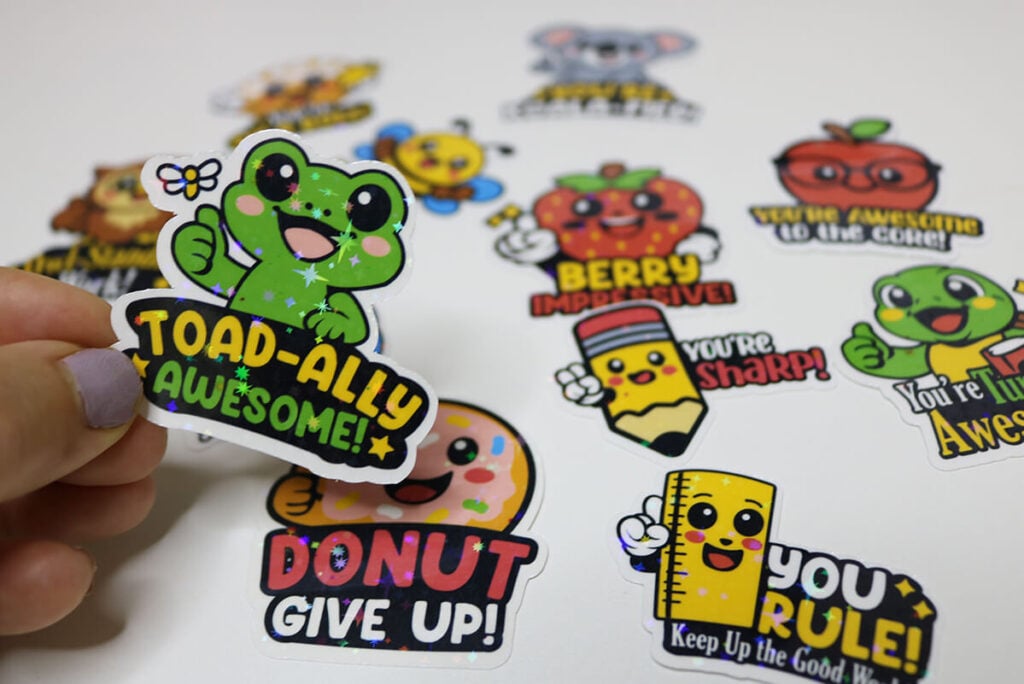
These free printable reward stickers for teachers, make it easy to make stickers whenever you need them. They’re great gifts for teachers as well if you are looking for a teacher gift for Teacher
